
Introduction
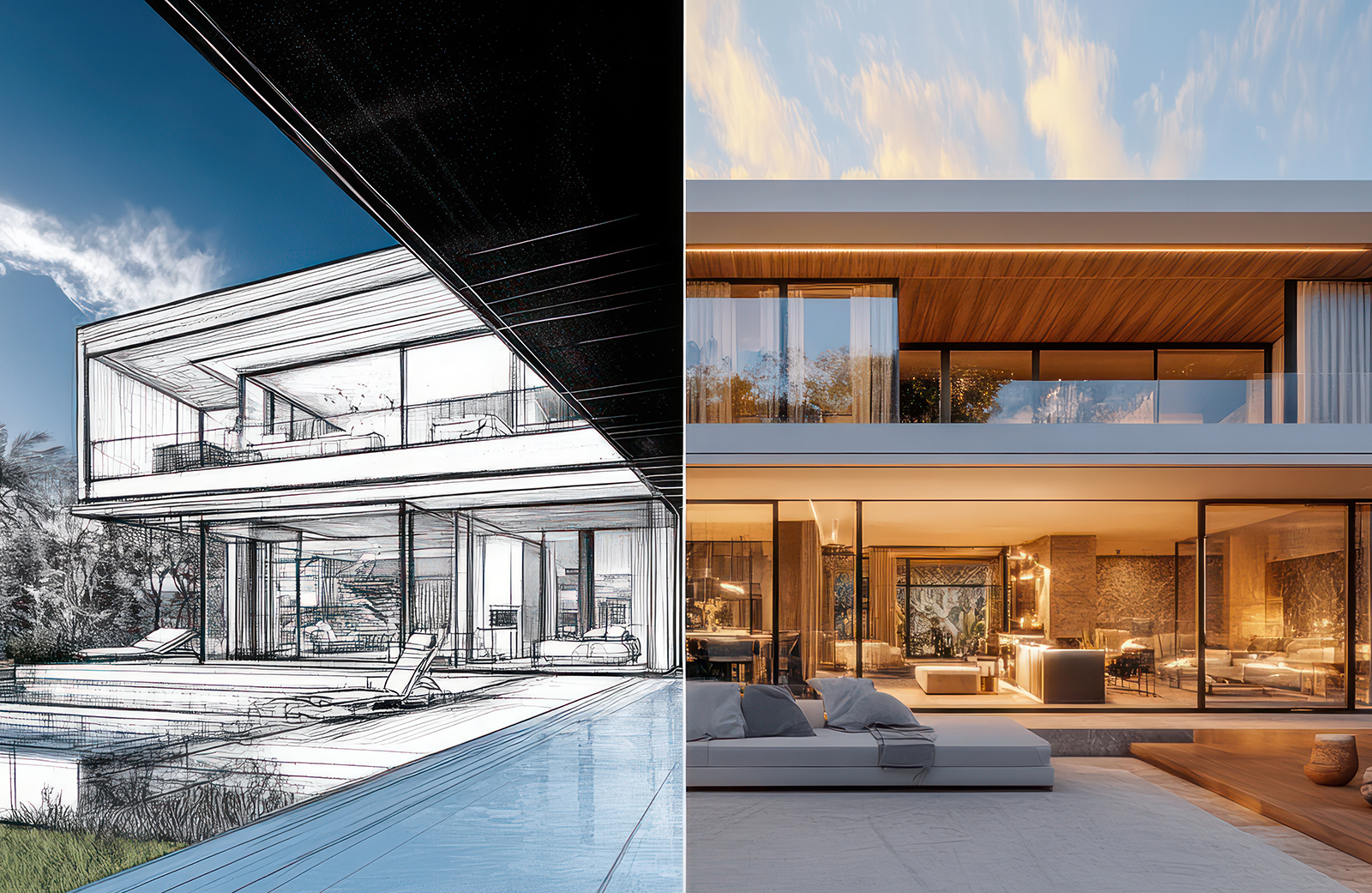
A few years ago, testing three facade ideas meant three rounds of modelling and three overnight renders. Now an architect can type a prompt or upload a sketch and see a dozen versions before lunch.
That speed is why so many practices are looking at AI rendering. It makes early exploration faster and gives design meetings more to react to.
But not all tools work the same way. Some generate pictures from scratch, with no link to your design. Others work from your actual model and keep its shape. For professional work, that difference matters more than how good the image looks. A beautiful image with the wrong window spacing is still the wrong building.
What Can AI Rendering Actually Do for Architects?
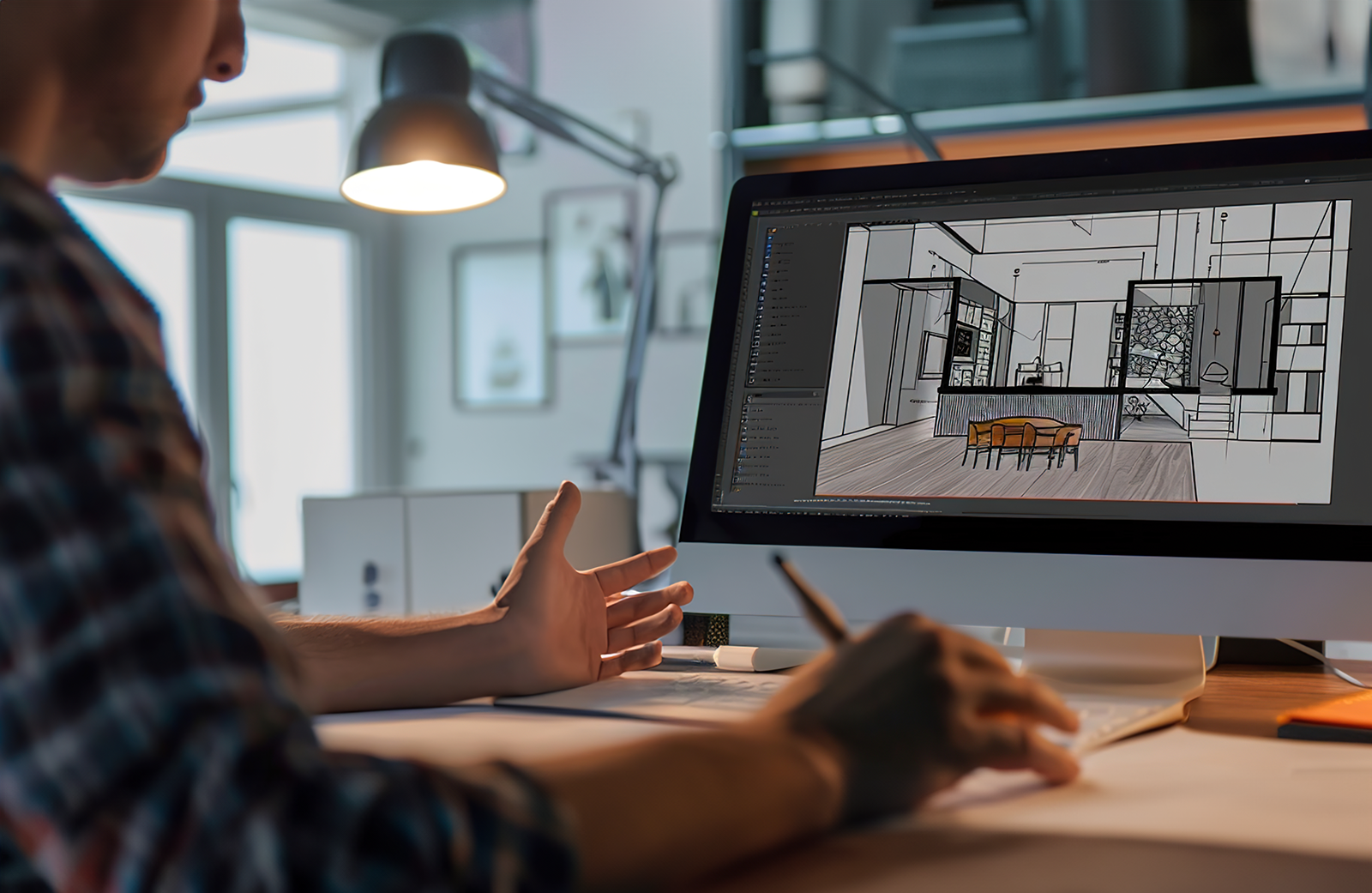
Quite a lot, especially early on. Most tools can turn a text prompt, a hand sketch, or a screenshot of a model into a finished looking concept image in seconds. From there, you can swap materials, try different lighting, or push the design towards another style. Brick or timber? Morning light or dusk?
That suits quick variations for early design discussions. Many tools can also improve existing images, adding people, planting, or better skies before a presentation.
There are two broad groups. Generative tools create images from prompts or pictures and know nothing about your design. Model connected tools work with CAD or BIM software, so the output follows your geometry more closely and gives you far more control.
Best AI Rendering Tools for Architects in 2026
Here are five tools’ architects are most likely to try this year, with the best use, main advantage, and main limitation of each.
Veras
Veras, now part of Chaos, runs as a plugin inside design software such as Revit, SketchUp, and Rhino. It’s well suited to architects who want AI architectural rendering connected to the model they’re already working on.
Its main advantage is that it reads your model view, so massing and composition stay close to the design while you guide style and mood with prompts.
The limitation is detail. The AI can still change smaller elements like window frames or balustrades, so check every image against the model.
Midjourney
Midjourney is best for exploring architectural styles, mood boards, and early concept directions. It produces striking, atmospheric images quickly, and it’s very good at capturing a feeling.
The catch is control. Midjourney doesn’t work from your drawings, so an attractive image won’t keep exact dimensions, proportions, or geometry. Treat its output as inspiration, not as a picture of your design.
Rendair AI
Rendair AI works from images. You upload a sketch, a screenshot, or an existing render, and it produces rendered versions in different styles, materials, or lighting conditions.
That makes it handy for generating variations from images you already have, like showing a client the same elevation in three palettes. As with any image based tool, check that the geometry and design details stay true to the original.
ArchiVinci
ArchiVinci focuses on turning sketches and design images into architectural visual concepts, for both exteriors and interiors. It’s quick and easy to use, which suits early concept work and fast client conversations.
Because it interprets the input rather than reading a model, the output can drift from the actual design. Always verify the image against your drawings before sharing it as a representation of the project.
LookX AI
LookX AI is an architecture AI platform built for image generation and style exploration. You can start from text, sketches, or images and test a range of visual directions quickly.
It’s useful for asking “what if” questions early on. What if the building were darker? More organic? More industrial? The limitation is consistency. Generating several views of the same design that match each other can take a lot of trial and error.
AI Rendering Tools Compared: Which is Best for Your Workflow?
| Tool | Best suited for | Main consideration |
| Veras | Model connected workflows | Verify generated visual details |
| Midjourney | Concept imagery and mood boards | Limited direct model control |
| Rendair AI | Image based rendering | Check geometry and design fidelity |
| ArchiVinci | Early visual concepts | Verify output against drawings |
| LookX AI | Style exploration | Check consistency across views |
What AI Rendering Tools Cannot Do Reliably
This is the part most software roundups skip.
AI tools are good at making images look convincing, and much less reliable at making them accurate. Even when a tool starts from your model, it can add, remove, or reshape details. A window might gain an extra mullion. A stair might change direction. A balcony might lose its balustrade.
Consistency is another weak spot. Producing one great image is easy. Producing six views of the same building, with the same materials, lighting, and details in each, is much harder.
Most tools also struggle with exact materials and specifications. They can suggest “spotted gum cladding”, but they won’t necessarily match the product you’ve specified or show its colour and grain correctly.
Then there’s professional risk. If a client, council, or buyer relies on an image that doesn’t match the approved design, misunderstandings follow. AI images still need a trained eye and careful checking before they’re used for anything important.
When Should Architects Use AI Rendering Instead of Professional 3D Visualisation?
Think of it as choosing the right tool for each stage, not picking a side.
AI rendering is useful for early concept exploration, rapid material and style variations, internal design discussions, and first mood boards or visual references. Here, speed matters more than precision.
Professional 3d architectural visualisation is more appropriate when exact design details must be shown and multiple views need to stay consistent. It also suits client presentations that call for controlled, polished imagery, and developer marketing that must accurately reflect an approved design. The same applies to 3d architectural animation, where a camera moves through the building and any inconsistency stands out straight away.
Many projects benefit from a hybrid approach. AI tools help the team explore ideas early, and professional visualisation takes over once the design is settled.
How to Choose the Right AI Rendering Software
Before committing to AI rendering software, ask a few practical questions.
Does it connect with the design tools you already use, such as Revit, SketchUp, Rhino, or Archicad? How much control does it give you over geometry, materials, and camera angles? Can it produce consistent images across several views?
Check the output quality at the resolution you actually need, not just on a small preview. Look at the licensing terms too, especially if images will be used commercially.
Finally, think about your team. The best AI rendering software is one people will use without a long learning curve, and that fits the way your practice already works.
Frequently Asked Questions
What is the best AI rendering tool for architects in 2026?
There isn’t one winner. Among the best AI rendering tools, Veras suits model connected work, while Midjourney and LookX AI suit concept exploration. Choose by workflow and the control you need.
Can AI generate accurate architectural renders from CAD or BIM models?
Model connected tools can follow your geometry closely, but they may still alter smaller details. Treat the output as a strong starting point and always check it against your drawings before sharing.
Is AI rendering suitable for client presentations?
It can work for early concept presentations where clients are reacting to ideas. For final designs, approvals, or marketing, controlled professional visuals are usually safer because every detail can be checked and matched.
Will AI replace professional architectural visualisation?
Not entirely. AI for architects is speeding up early design work, but accurate, consistent, presentation ready imagery still relies on skilled artists. Most practices are finding a hybrid workflow works best.
Conclusion
The best way to use AI for architects is to match the tool to the task, not just the image quality. Use AI to explore ideas fast, then switch to controlled methods when accuracy matters.
For projects that need precise, consistent, and presentation ready imagery, Ecompapi Studio offers professional architectural visualisation to bring the final design to life.